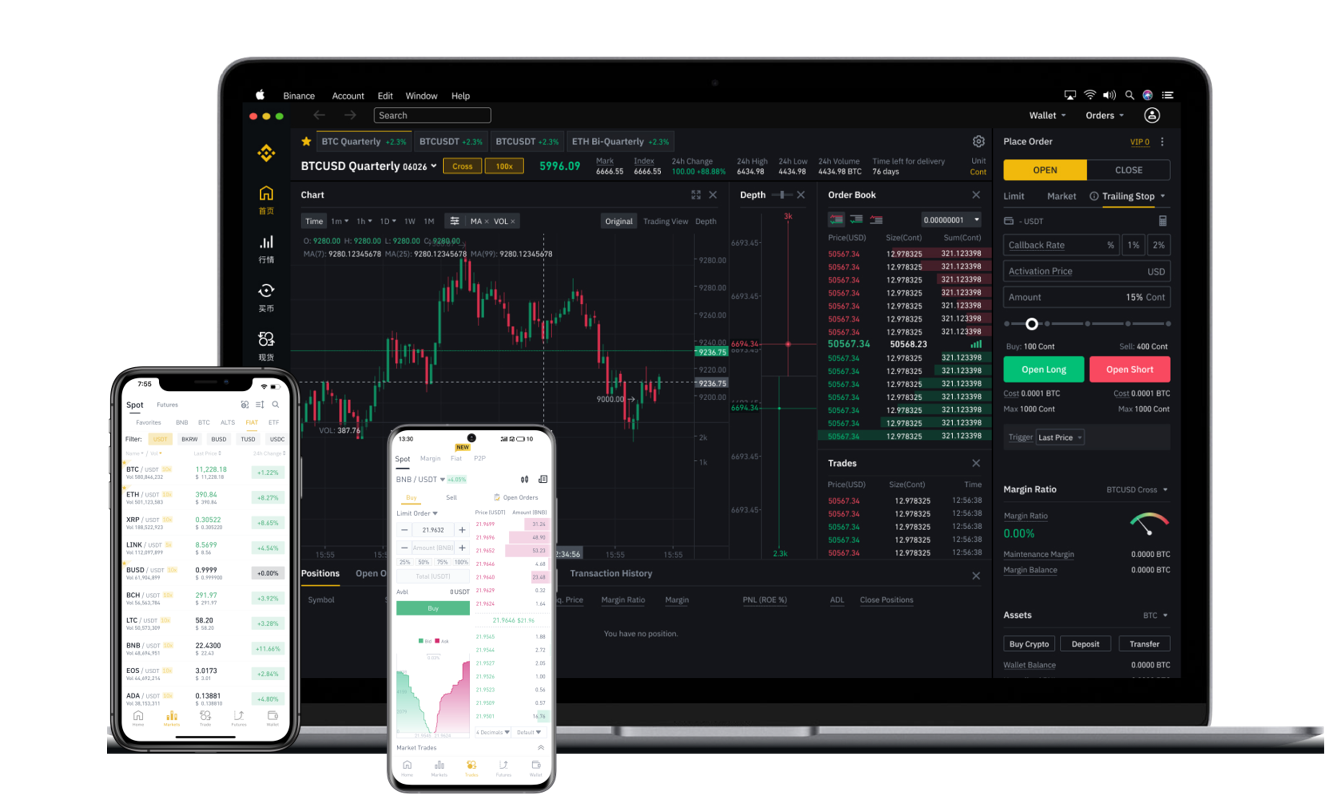


Withdrawing digital assets from Binance, one of the world’s largest cryptocurrency exchanges, is a straightforward process once you understand the key steps. Whether you are moving your BNB, Bitcoin, or USDT to a personal wallet or another exchange, the procedure remains largely the same. This guide breaks down the entire withdrawal workflow, from security checks to final confirmation.
First, log in to your Binance account and navigate to the “Wallet” dropdown menu in the top-right corner. Select “Overview,” then click the “Withdraw” button. You will be prompted to choose the cryptocurrency you wish to withdraw. For example, if you hold Binance Coin (BNB) and want to send it to a MetaMask wallet or an external address, select BNB from the list.
Next, you must enter the recipient’s withdrawal address. This is the most critical step. Always copy the address directly from your destination wallet to avoid typing errors. To further protect your funds, Binance strongly recommends adding the recipient’s address to your “Address Book” or “Whitelist” beforehand. If you enable the whitelist feature, withdrawals can only be sent to pre-approved addresses, adding an essential layer of security against hackers.
After inputting the address, specify the withdrawal amount. Binance will automatically calculate the network fee (also called a miner or gas fee) and display the exact amount you will receive. It is important to note that different blockchains carry different fees. For instance, withdrawing BNB on the BSC network (Binance Smart Chain) is usually cheaper than withdrawing Ethereum (ETH) on the Ethereum mainnet. Select the correct network that matches your destination wallet. Sending BNB on the BSC network to an address that expects BSC tokens will succeed, while sending it on the BEP-2 network to the same address may result in a permanent loss of funds. Double-check the network label before proceeding.
Once you click “Submit,” Binance will send a verification code to your registered email and, if enabled, your mobile phone via SMS or the Binance Authenticator app. You must enter both codes to complete the withdrawal request. This two-factor authentication (2FA) process is mandatory and prevents unauthorized withdrawals even if your password is compromised.
Finally, after submitting the request, Binance typically processes the withdrawal within minutes. However, network congestion on the blockchain itself can delay the arrival of your funds. You can track the transaction status using the TXID (Transaction ID) provided on the Binance withdrawal page. Paste this TXID into a blockchain explorer (such as BSCScan for BSC tokens or Etherscan for ERC20 tokens) to see the real-time confirmation progress. Keep in mind that some withdrawals might require a manual review by Binance’s risk control team, which can take a few hours if the system detects unusual activity.
To summarize, the key steps for a Binance withdrawal are: 1) Navigate to Wallet > Withdraw, 2) Select your crypto and network, 3) Paste the recipient address (preferably from a whitelist), 4) Enter the amount and review the fee, 5) Complete the email and 2FA verification, 6) Monitor the blockchain for confirmations. By following these steps carefully, you can ensure a safe and successful transfer of your assets from Binance to any external wallet or platform.