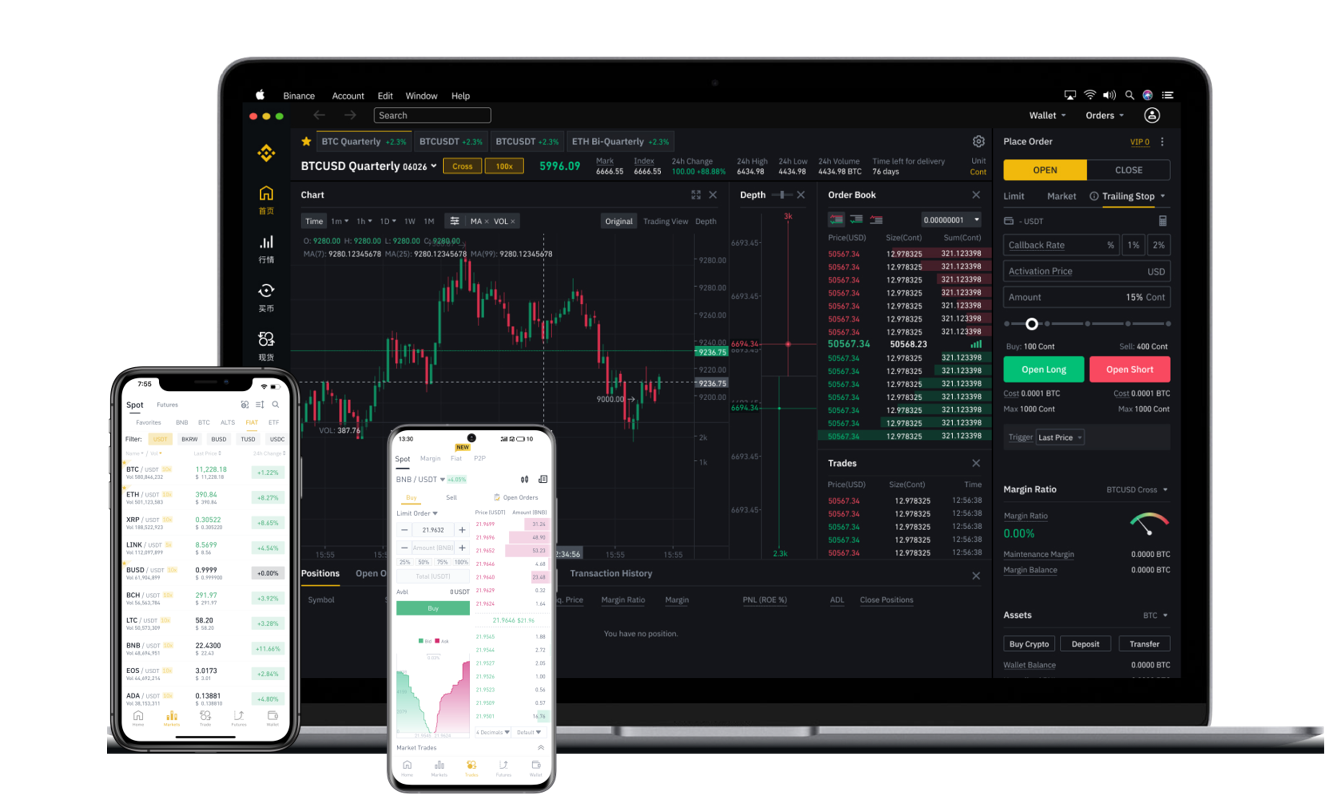

Transferring USDT from Binance to MEXC (also known as MEXC Global) is a straightforward process, but it requires careful attention to network selection and address verification. This guide will walk you through each step, from logging into your Binance account to confirming the deposit on MEXC. Whether you are a beginner or an experienced trader, understanding this process helps you avoid common mistakes like sending funds to the wrong network.
First, log in to your Binance account. Navigate to the "Wallet" section and select "Fiat and Spot." Find your USDT balance and click on the "Withdraw" button. This will open a new page where you need to input the recipient's address. Important: ensure you copy the correct deposit address from your MEXC account. To get this address, log in to your MEXC account, go to "Assets," then "Deposit," and search for USDT. MEXC will show you a list of supported networks (e.g., TRC20, ERC20, BEP20). Choose the network that matches your intended transfer speed and fees. Remember, if you select TRC20 on Binance, you must select the same network on MEXC.
Next, paste the copied MEXC deposit address into the "Address" field on Binance. Double-check that the address is correct—every character matters. Select the same network you chose on MEXC. For example, if you selected TRC20 (Tron) on MEXC, select TRC20 on Binance. Enter the amount of USDT you wish to transfer. Binance will show you the network fee, which varies depending on the network. TRC20 usually has lower fees than ERC20. Once you confirm the details, click "Submit" and complete any security verification (such as email or 2FA code).
After submission, Binance will process the withdrawal. The time it takes depends on the network. For TRC20, it usually happens within minutes. You can check the withdrawal status in your Binance transaction history. Meanwhile, go back to your MEXC account and look at the "Deposit History" section. Once the transaction is confirmed on the blockchain, the USDT will appear in your MEXC wallet. If it takes longer than expected, verify the transaction ID (TXID) on a blockchain explorer like Tronscan for TRC20 or Etherscan for ERC20.
It is crucial to understand that using the wrong network can result in lost funds. For example, sending USDT via ERC20 to a TRC20 address will likely cause permanent loss. Always perform a small test transfer first, especially if you are transferring a large amount. Once you confirm the test transfer arrives safely, proceed with the full amount. After the USDT is in your MEXC account, you can use it to trade spot, futures, or participate in various pools on the exchange.
Finally, remember that MEXC offers a different trading interface than Binance. If you need to convert your USDT to another cryptocurrency (like BTC or ETH), go to the "Exchange" or "Trade" section on MEXC, select the trading pair (e.g., USDT/BTC), and place your order. The entire process—from Binance withdrawal to MEXC deposit—is designed to be user-friendly, but due diligence on network compatibility is non-negotiable.